


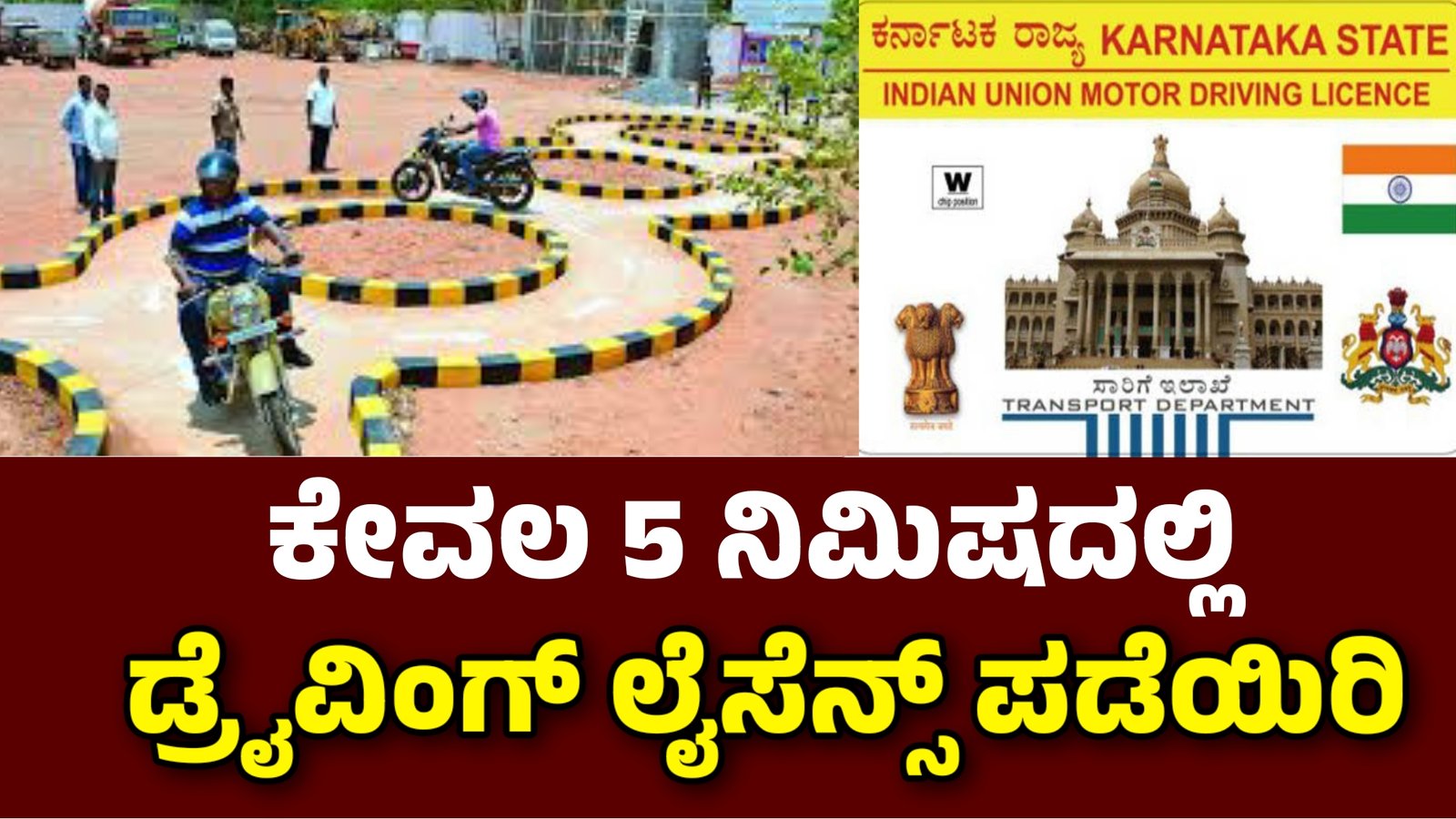
How to Apply for a DL Driving Licence Online Without Visiting the RTO
DL In today’s digital world, almost every government service is moving online. From paying utility bills to filing income tax returns, citizens are encouraged to use digital platforms to save time and avoid unnecessary visits to government offices. The transport sector has also embraced this change. Now, applying for a driving licence or learner’s licence (LLR) no longer requires standing in long queues at the RTO office. Instead, the entire process can be done conveniently from home through the Parivahan Sewa portal.
This article will guide you step by step on how to apply online for a learner’s licence and later a permanent driving licence, without visiting the RTO office.
Why Apply Online for a Driving Licence?
Before we jump into the process, let’s understand why online applications are better:
- Time-saving – No need to wait for hours at RTO counters.
- Convenient – Apply from your mobile or computer anytime.
- Transparency – You can track the application status easily.
- Faster process – The digital system reduces paperwork delays.
- Home delivery – In most cases, licences are delivered to your doorstep.
Digital services are transforming the way citizens interact with the government. Applying online for a driving licence is not only hassle-free but also ensures transparency in the system.
Step-by-Step Guide to Apply for a Learner’s Licence (LLR) Online
The learner’s licence is the first step before getting a permanent driving licence. Here’s how you can apply:
Step 1: Visit the Parivahan Sewa Portal
- Open a browser on your mobile or computer.
- Type “Parivahan Sewa” in the search bar.
- Click on the official website link that says Parivahan Sewa – Ministry of Road Transport & Highways.
Step 2: Select the Service
- On the homepage, click on “Licence Related Services”.
- A new page will open with various options.
- Select “Drivers/Learners Licence”.
Step 3: Choose Your State
- You will see a list of all states in India.
- Select your state (for example, Karnataka, Tamil Nadu, Maharashtra, etc.).
- A small pop-up message may appear, just close it.
Step 4: Apply for Learner’s Licence
- Click on the option “Apply for Learner’s Licence”.
- The transport department page for your selected state will open.
- You can read about the required documents before proceeding.
- Click “Continue” to move forward.
Step 5: Fill the Application
- A form will appear titled Application for Learner’s Licence (LLR).
- Choose “Applicant does not hold any Driving Learner’s Licence”.
- Select “General” and click Submit.
Step 6: Aadhaar Authentication
You will be given two options:
- Submit via Aadhaar Authentication (Online)
- Submit Without Aadhaar (Offline, visit RTO for eKYC)
Since we are applying online, choose the first option.
- Enter your Aadhaar number.
- An OTP will be sent to your registered mobile number.
- Enter the OTP, tick the declaration boxes, and authenticate.
- Your Aadhaar details will appear automatically. Verify them and fill in any missing details.
Step 7: Select Vehicle Category
Now, you must choose the type of vehicle you want a licence for:
- MCWOG – Motorcycle Without Gear (like scooters, mopeds).
- MCWG – Motorcycle With Gear.
- LMV – Light Motor Vehicle (cars, jeeps, etc.).
Select the appropriate option based on your need.
Step 8: Self-Declaration
- A health-related self-declaration form will appear (YES/NO questions).
- Answer honestly and submit.
Step 9: Application Reference Number
- Once submitted, you will receive an Application Reference Number.
- Save this number or take a printout – it is very important for future steps.
Step 10: Fee Payment
- Go to the Fee Payment section.
- Enter your reference number and date of birth.
- Pay the required fees online using net banking, debit card, or UPI.
Once the payment is successful, you will be issued your Learner’s Licence online. In most states, you can download it directly from the portal. Some states may also deliver it to your home address.
Next Step: Permanent Driving Licence
After holding a learner’s licence for a minimum of 30 days (and within 6 months), you can apply for a Permanent Driving Licence (DL). The process is also online:
- Visit the Parivahan Sewa portal again.
- Select Apply for Driving Licence.
- Enter your learner’s licence number.
- Fill in the details, upload documents, and pay the test fees.
- Book a slot for driving test at the nearest RTO.
- Once you pass the test, the permanent driving licence will be issued and delivered to your address.
Documents Required
To apply online, keep these documents ready:
- Aadhaar Card
- Passport-size photo (if required)
- Date of Birth Proof (Birth Certificate, SSLC, etc.)
- Address Proof (Voter ID, Electricity Bill, Passport, etc.)
- Medical Certificate (Form 1A, if applicable, for certain age groups)
Tips for Smooth Application
- Ensure your Aadhaar card is linked with your mobile number.
- Use a stable internet connection during the application.
- Double-check personal details before submitting.
- Save all acknowledgement numbers and receipts.
- Prepare for the online learner’s licence test (questions on traffic signs, road rules, etc.).
Benefits of the Online System
- No middlemen or agents – Apply directly from home.
- 24/7 availability – The portal works anytime.
- Quick approvals – Aadhaar verification speeds up the process.
- Eco-friendly – Less paperwork and reduced physical visits.
Online Application
Conclusion
Applying for a driving licence online has become one of the most convenient government services in India. With just a smartphone or computer, you can complete the entire process—from learner’s licence to permanent licence—without making multiple visits to the RTO.
This digital shift not only saves time but also ensures transparency and efficiency. So, if you are planning to get your driving licence, follow the above steps and experience the ease of applying online.

